Where to find 4212 xr hex files for the bms
-
@bradster3 also, its my old bms is on a 2.0.8 revision, new one is a 2.0.7 revision so that might be a issue.
-
@bradster3 I have a 4208 bms hex file, but I can't post it here. I may be able to send it on chat messaging, but your messaging has been restricted.
-
@lemur sorry lemur, i dont know where my reply went but i m unable to dm you also due to a restriction. You can email me at leebrennnen@gmail.com if you have any questions
-
@bradster3 I've added some reputation to the account so you should be able to now
-
@lia thanks friend
-
@bradster3 said in Where to find 4212 xr hex files for the bms:
@lia thanks friend
Still says its restricted until lemur adds me as a friend.
-
@bradster3 I sent the 4208 hex to your email, this one works.
-
@lemur you rock friend, this made my night. Iwill try and send it over next day off and any hiccups ill report back.
-
@bradster3 I also have 4206 and Pint hex.
If you're running a 4212 controller, you may need an "Owie" chip between the bms and controller.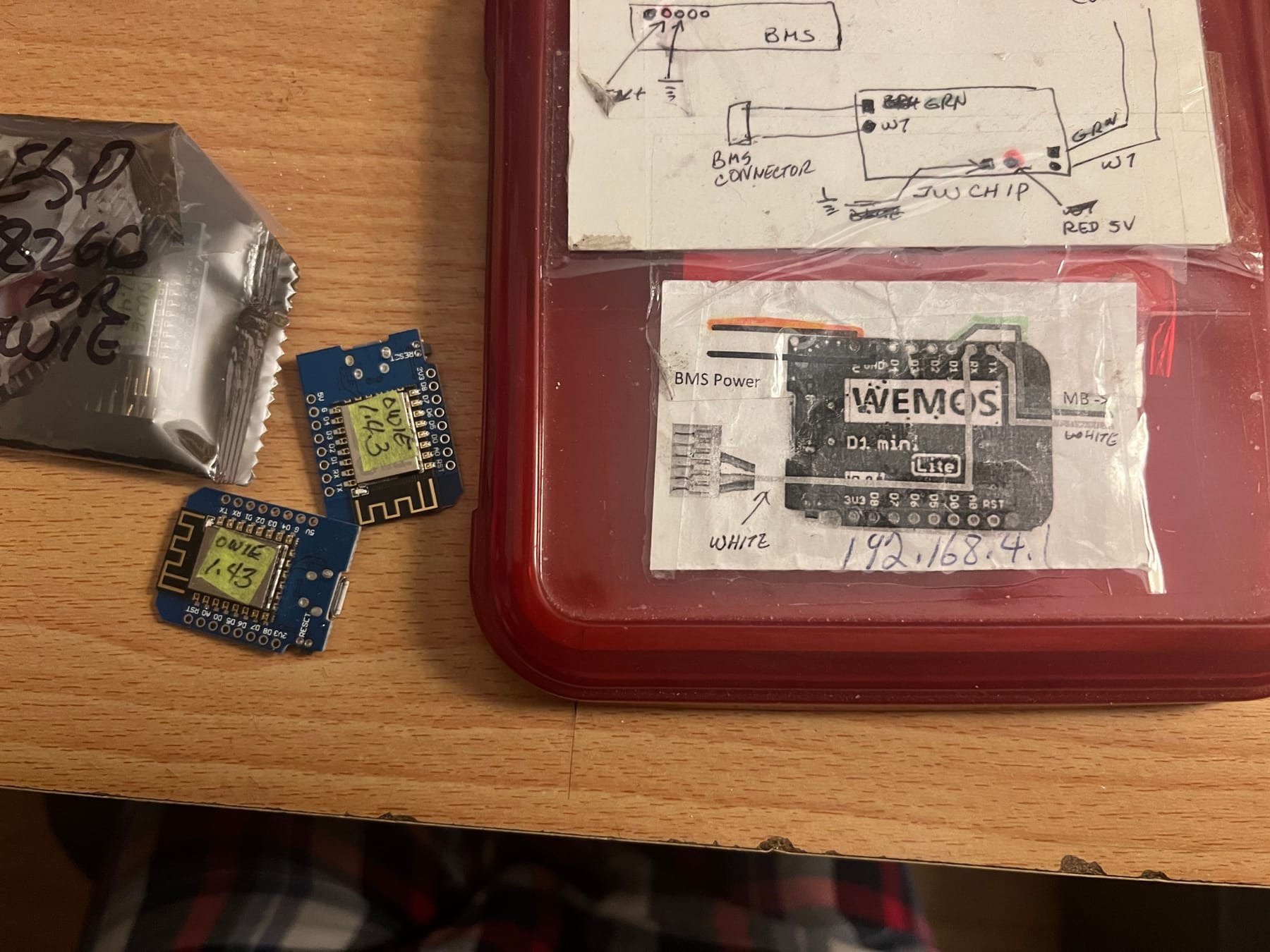
-
@lemur appriciate the looking out. I hit a wall this week with the microchips. They are from 2.0.7 revision so im guessing the chips are locked out from erasing. They pass and write properly according to mplab. Tired 3 i had around and all three lied about success. Im gonna have to replace the 1788 with a new blank one. Orderd them yesterday and will update when everything comes in. My board is on 4212 and already have a owie inline so the only issue is the fw.