Where to find 4212 xr hex files for the bms
-
Long story short i fried my old bms in my xr due too rain. Was able to pull the hex from it when it was on 4209 but dropped the ball and accidently updated the board while diag. Got a new bms from a pint on a low revision and sent the hex file i managed to pull off the old bms and send it too the new bms no issues. However, when i hooked it up i get nothing. Plugging in the charger waskes up the controller not the bms. The bms is tested good from the seller. Im guessing my hex got currupt somewhere down the line and i need to test a good working hex to make sure its a whole other issue. Keep in mind the old bms would force the board on and would not turn off till i unplugged it. Any help would be appriciated.
-
@bradster3 also, its my old bms is on a 2.0.8 revision, new one is a 2.0.7 revision so that might be a issue.
-
@bradster3 I have a 4208 bms hex file, but I can't post it here. I may be able to send it on chat messaging, but your messaging has been restricted.
-
@lemur sorry lemur, i dont know where my reply went but i m unable to dm you also due to a restriction. You can email me at leebrennnen@gmail.com if you have any questions
-
@bradster3 I've added some reputation to the account so you should be able to now
-
@lia thanks friend
-
@bradster3 said in Where to find 4212 xr hex files for the bms:
@lia thanks friend
Still says its restricted until lemur adds me as a friend.
-
@bradster3 I sent the 4208 hex to your email, this one works.
-
@lemur you rock friend, this made my night. Iwill try and send it over next day off and any hiccups ill report back.
-
@bradster3 I also have 4206 and Pint hex.
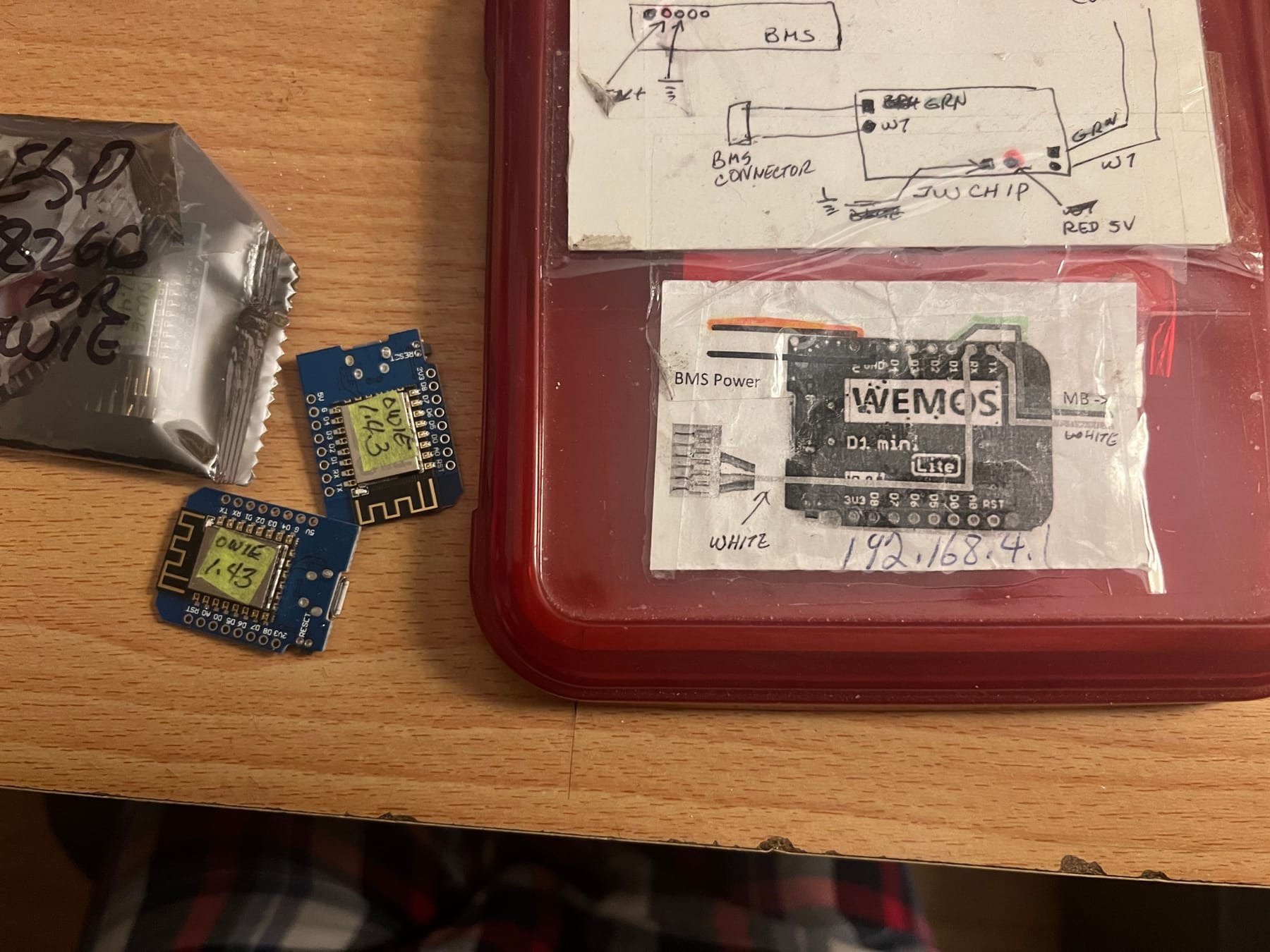
If you're running a 4212 controller, you may need an "Owie" chip between the bms and controller.